






Please download with PC browser
NoxPlayer is designed for Windows and MAC OS, please visit this website via computer browser to download NoxPlayer.

Step into MU New Dawn – the official new chapter of the legendary MU franchise, fully licensed by Webzen and Kingnet. Rediscover the epic fantasy MMORPG experience reimagined for today’s cross-platform world – playable on both mobile and PC.
「 Unleash Glory in PvP & Guild Wars – A Legend Reborn 」
Rise through the ranks and engage in real-time battles where only the strongest prevail. Join forces with allies or stand alone to dominate the battlefield and etch your name into MU legend.
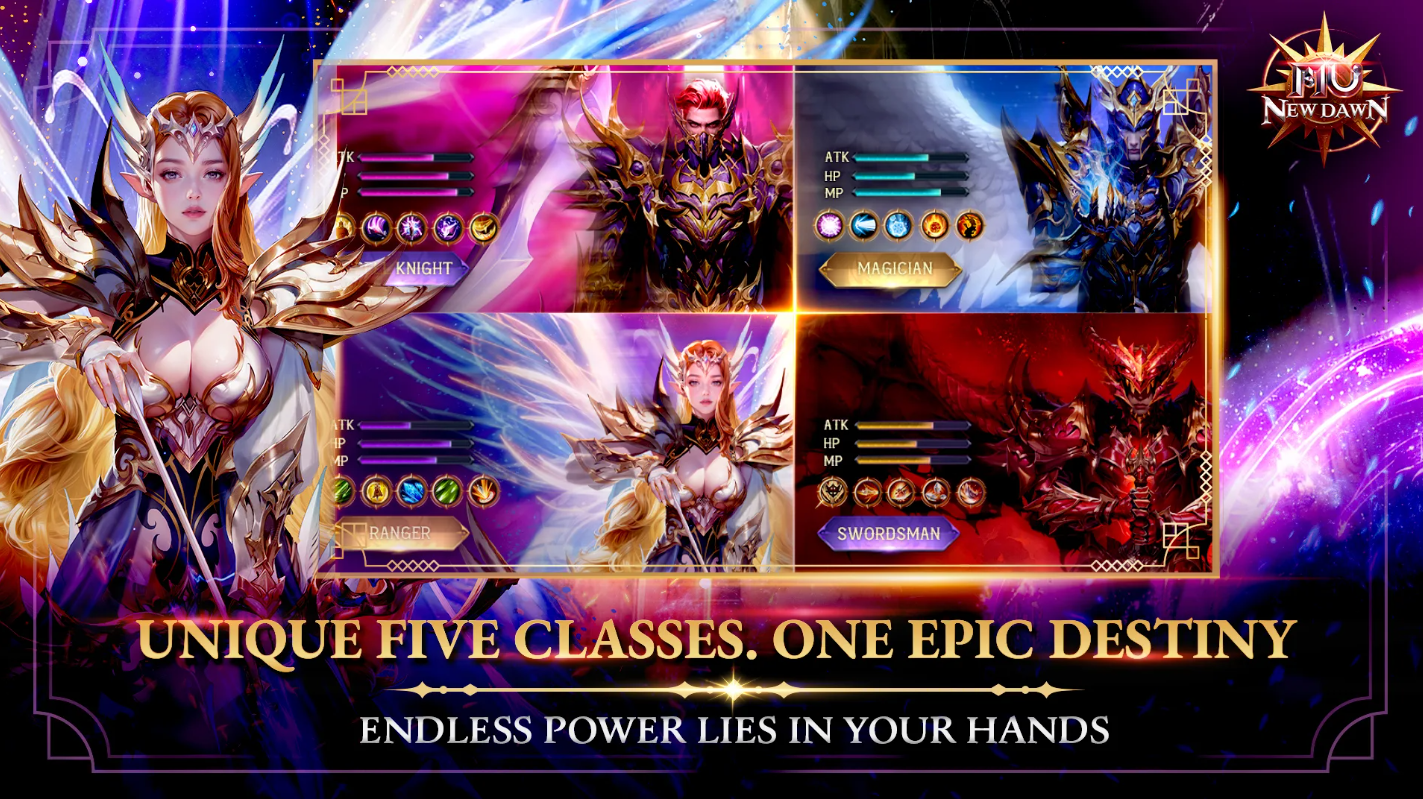
「 Five Unique Classes. One Epic Destiny 」
Choose your choice from 5 classic MU classes—each with distinct skills, playstyles, and legendary evolutions. Shape your hero and your legacy.
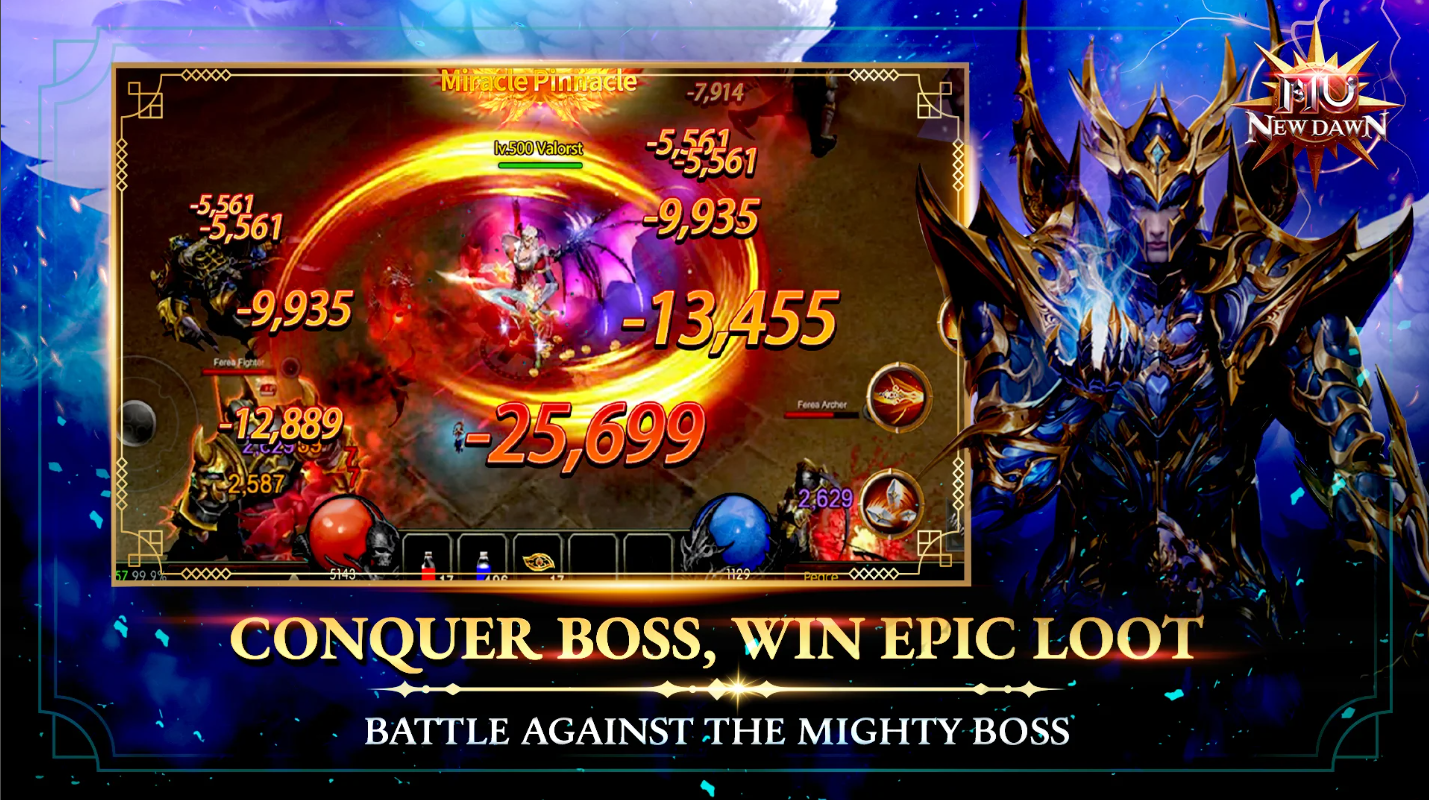
「 Conquer Fierce Bosses. Claim Epic Loot 」
Face off against world bosses and elite monsters. Take them down for a chance to earn ultra-rare gear and glory.
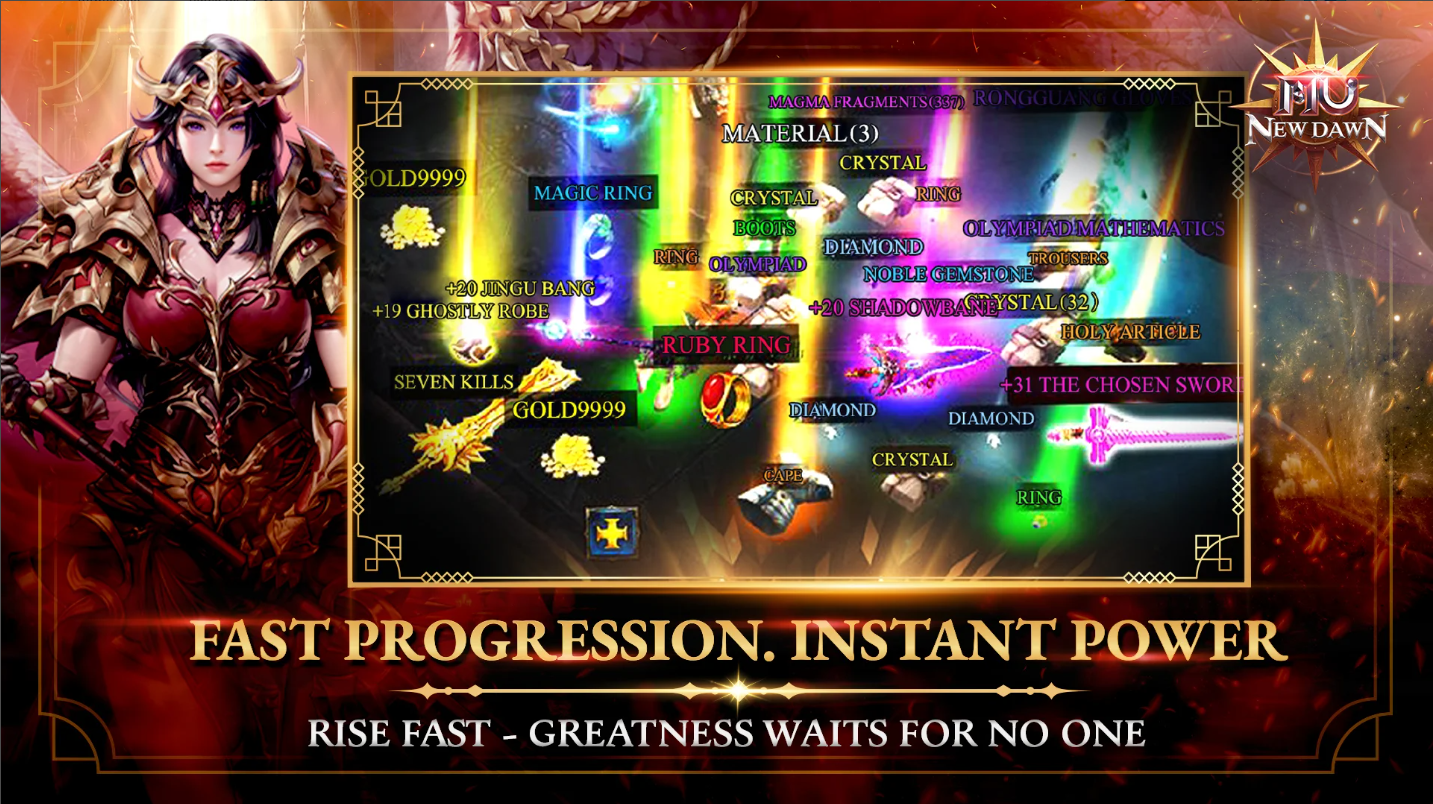
「 Fast Progression. Instant Strength – Greatness Waits for No One 」
Grind and instant growth. Accelerate your rise with smart systems that reward active play and mastery
「Limitless Growth & Rule with Free VIP 」
Refine your gear without limits, strengthen endlessly.
Enjoy free VIP access from the start. Boost your journey with premium benefits and stand out on every battlefield.
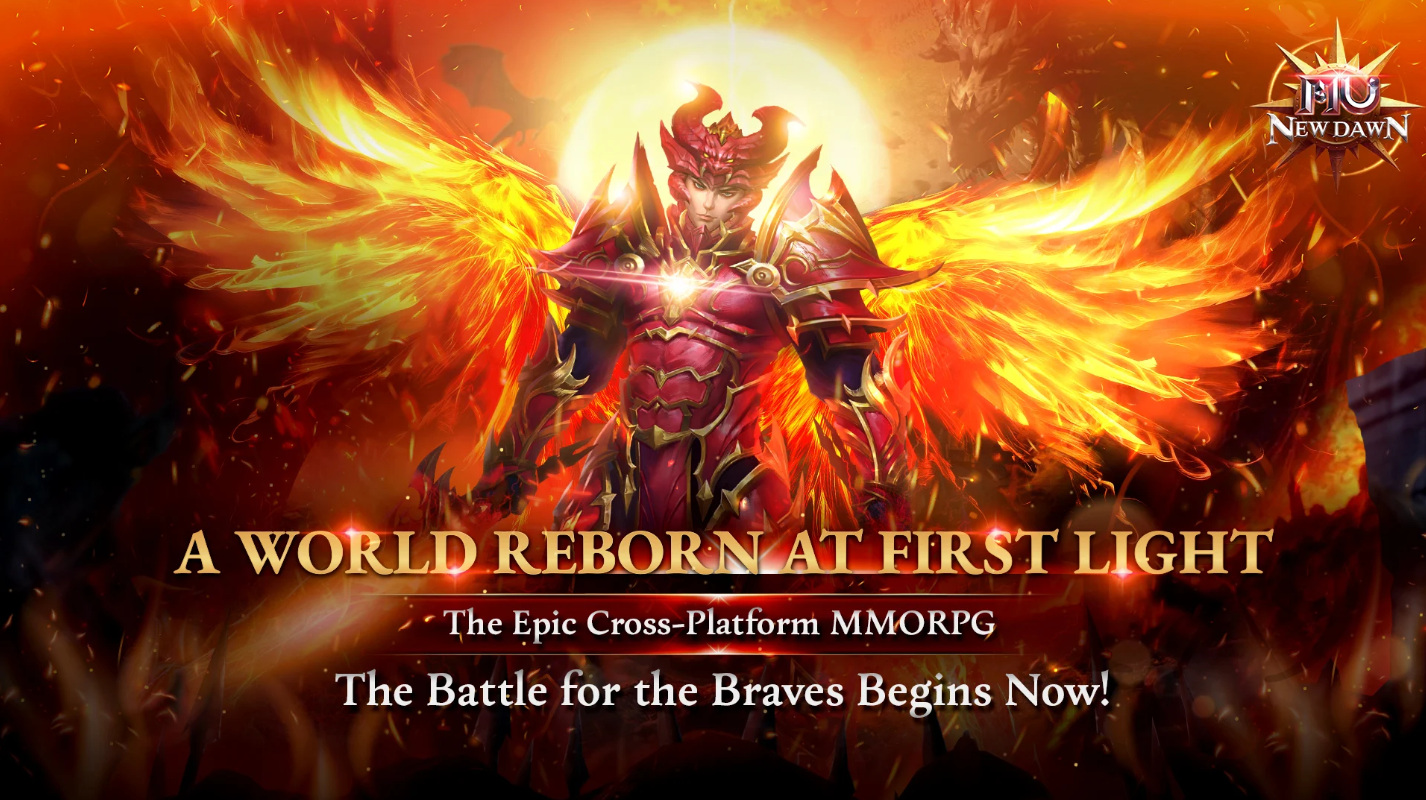
Will you stand tall with the rising light or fall beneath the fate.
THE BATTLE FOR THE BRAVES BEGIN NOW!
== OFFICIAL INFORMATION==
Fanpage: https://www.facebook.com/MUNewDawnSEAbyPlayPark
Official Website: https://mu-newdawn.playpark.com/


1Download NoxPlayer on your PC.

2Run the installation package and complete the installation.

3Search for MU New Dawn on NoxPlayer.

4Install the game in Google Play.

5Click the game icon to start it.

6Play MU New Dawn with NoxPlayer on PC easier!
Method 1. Click "Download on PC" to download NoxPlayer and apk file at the same time. Once installation completes, play the game on PC.
Method 2. If you already have NoxPlayer on PC, click "Download APK", then drag and drop the file to the emulator to install.
Please download with PC browser
NoxPlayer is designed for Windows and MAC OS, please visit this website via computer browser to download NoxPlayer.

