
How to disable Facebook after the latest update of NoxPlayer?
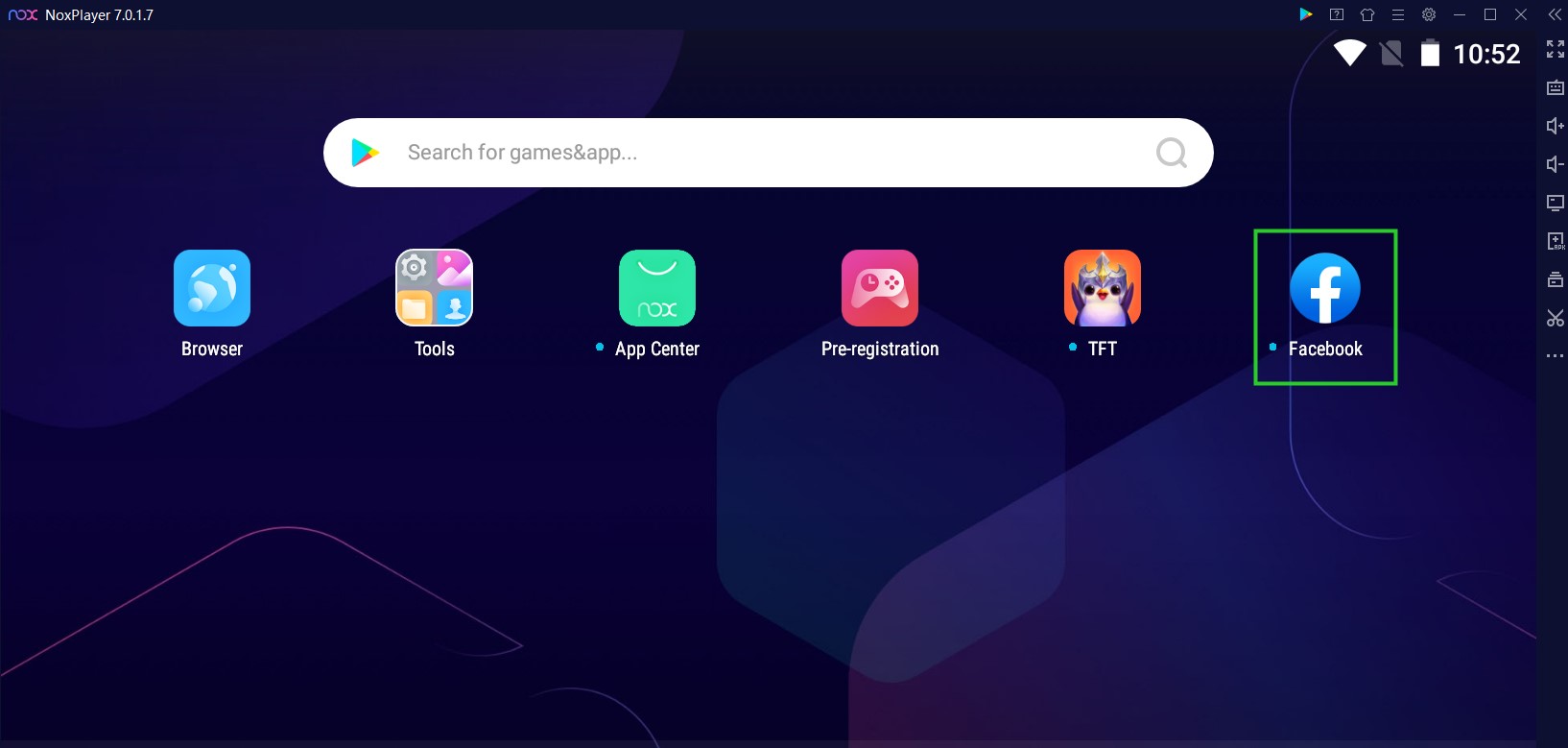
Hi guys! If you’ve updated to the latest version of NoxPlayer, you might have noticed the Facebook app is automatically installed. That’s correct, starting from version 7.0.1.7 of Nox, Facebook is made a system app, which means you cannot uninstall it manually.
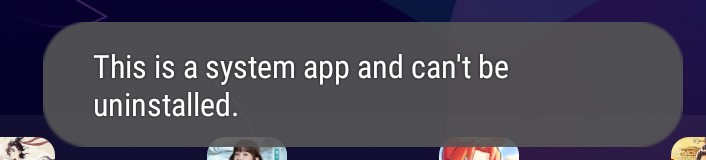
According to the latest policies of Facebook, you cannot log into your games using your Facebook from an embedded browser, so if you want to log into your games with your bound Facebook account, you have to get the Facebook app installed. Many users have requested this feature so we made Facebook a pre-installed system app to make things easier.
How to disable Facebook and remove it from your home screen?
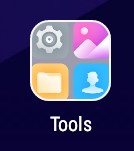
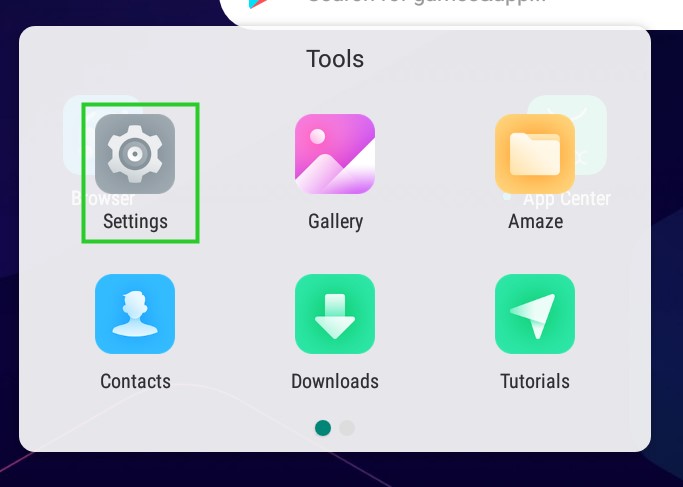
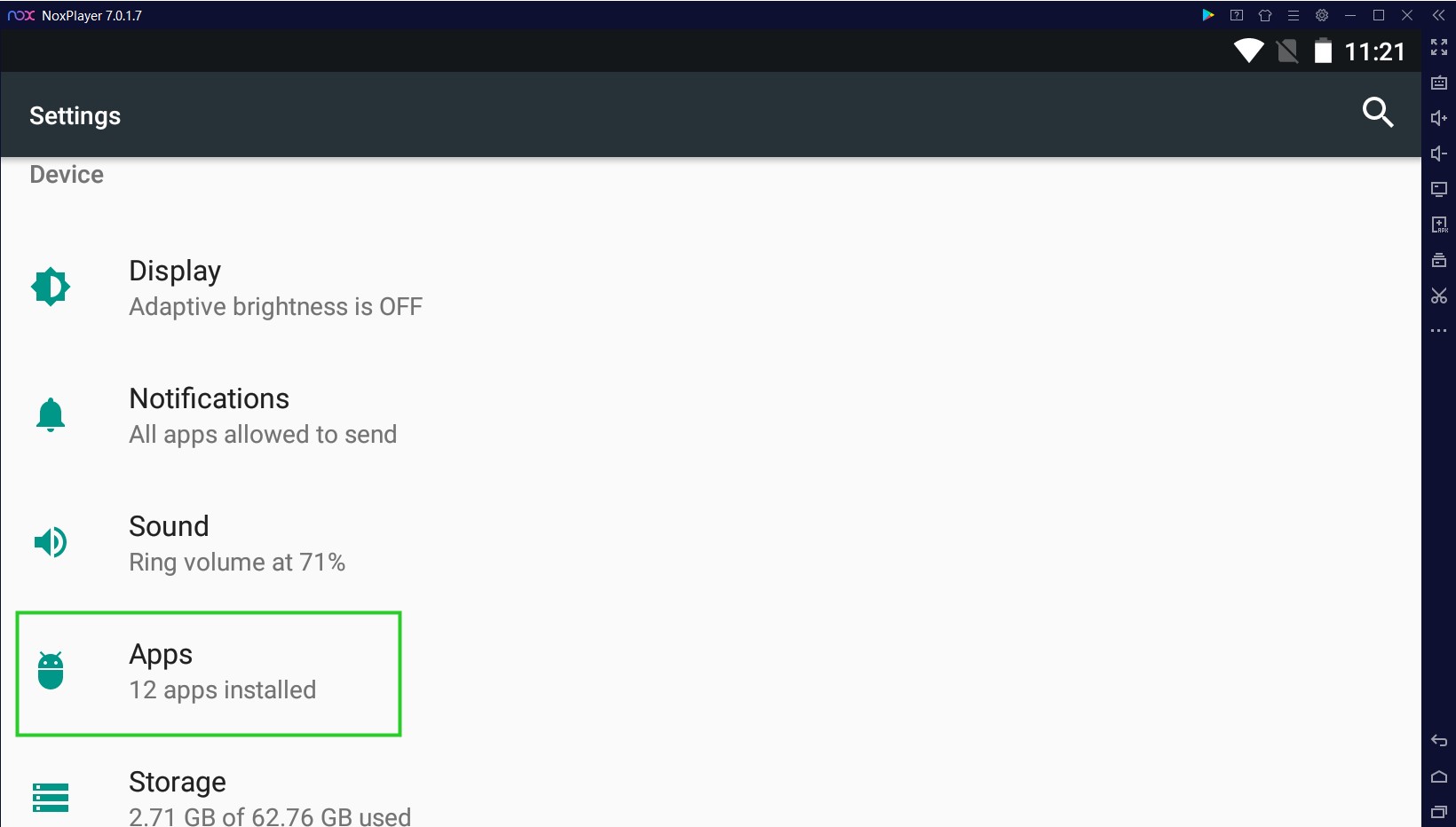
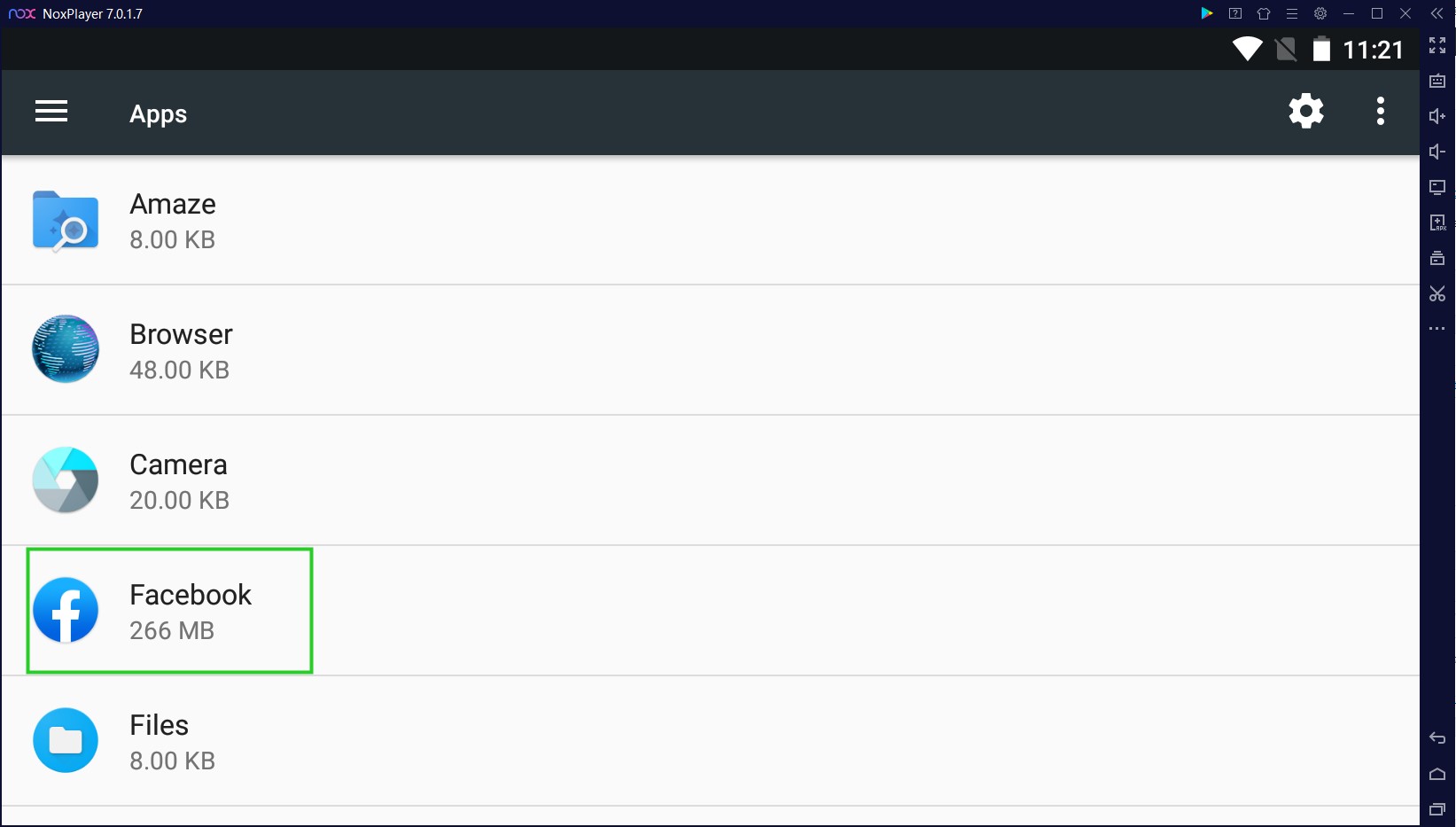
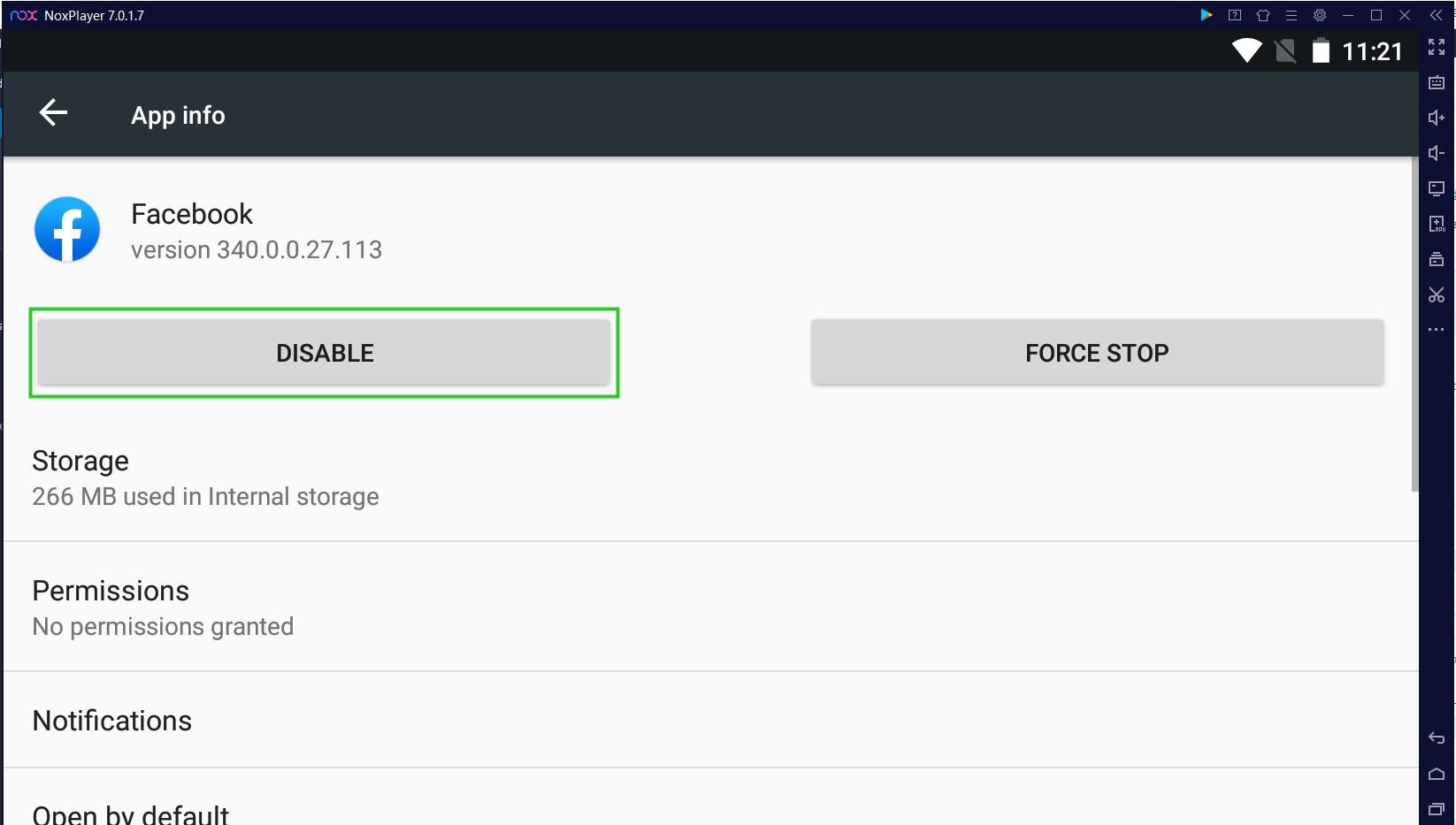
BUT, if you find it annoying to have Facebook on your home screen all the time and you don’t use Facebook at all, you can disable it in the Tools folder >> Settings >> scroll down to find Apps >> find Facebook >> click DISABLE. And voilà! Facebook is removed from your home screen.
Please kindly note if you want to use any Facebook feature again you HAVE TO enable it again manually in the settings.