Please download with PC browser
NoxPlayer is designed for Windows and MAC OS, please visit this website via computer browser to download NoxPlayer.
Rush, aim, and fire! The ultimate freetoplay FPS mobile game, bringing the most breathtaking and authentic shooting experience for tactical shooter fans!
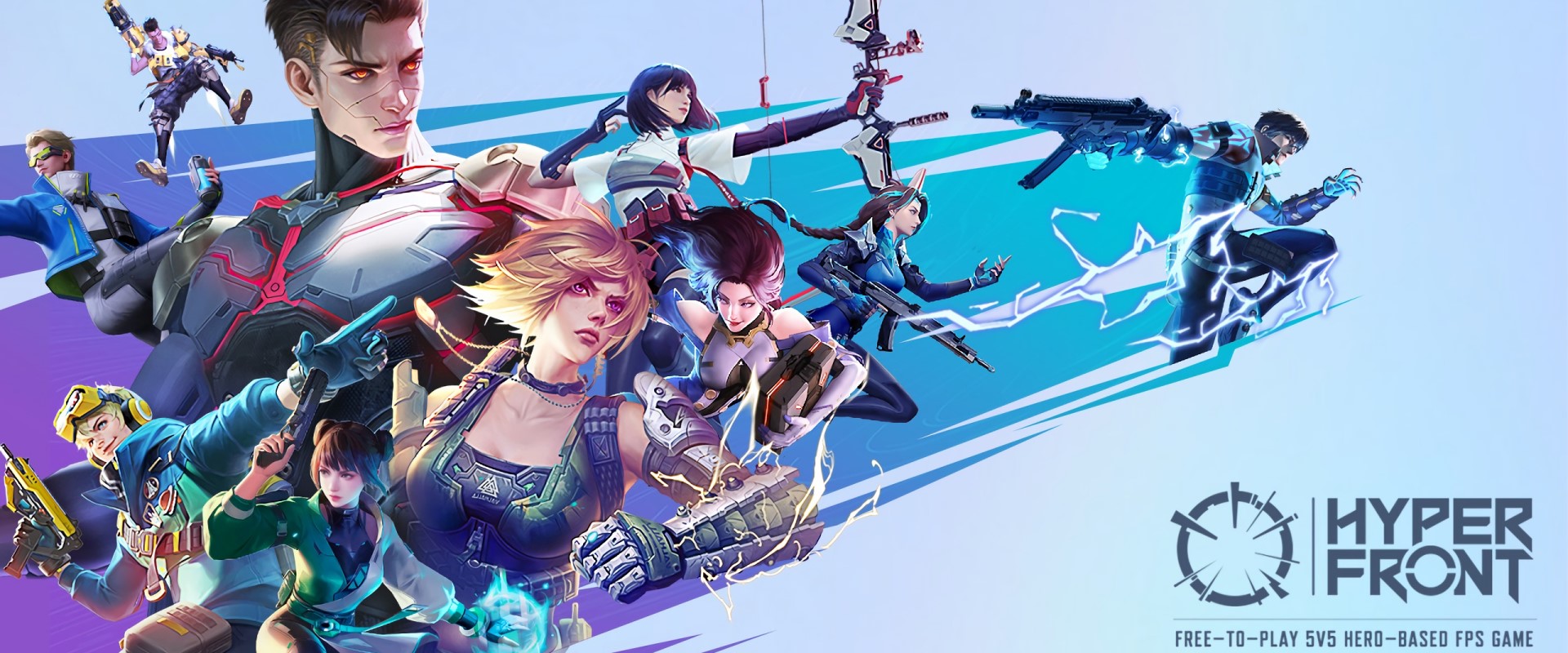
[Hyper Front] is a 5v5 characterbased FPS game set in a nearfuture scifi world.
Intense PvP competition! Employ advanced weapons and command unique hero abilities to create tactical opportunities.
Exciting, precise, and realistic battle experience!
A 3A masterpiece on mobile! Enter a visually stunning scifi universe.
1. [Diverse Hero Abilities!]
Each hero has a unique set of tactical abilities — Area scan, Teleport, Block, Shrouding, and more... Plus more opportunities to let your gunplay shine, and MORE FUN!
2. [Cuttingedge Arsenal!]
UZI, UMP, Barrett, AK... Classic weapons evoke real shooting excitement! Each firearm has special attributes to cater to specific playstyles. Also, define your style further with weapon skins and accessories!
3. [5v5 Search & Destroy Mode and MORE!]
Gather your friends and squad up for a classic 5v5 Search & Destroy match! Deploying and retrieving the Starcore is the key to winning. Here, your tactics, reflexes, marksmanship, and cooperation are equally important. Death Fight and MORE game modes are constantly evolving for you!
4. [Meticulous Maps: Fight around the world!]
Momijigawa, Polar Exploration Center, City of Citizens Kavilek, City of Gardens – Strocci... Compete on these diverse, multicultural maps and master their minute details! Each map has been carefully designed to support diverse tactics, be it sniping or rushing, whichever you favor. Numerous hidden surprises await!
5. [Vibrant and Stylish Scifi Design]
A stylish scifi aesthetic shaped with vibrant visual style and unique character designs!
6. [Unreal Engine 4: Realistic Scifi Battlefield]
Enjoy a consolequality immersive gunfight experience on mobile devices! Years in the making, the Hyper Front team is proud to present a realistic scifi battleground with groundbreaking graphics!
7. [Extreme Compatibility & Smooth Gameplay]
Compatibility with a wide range of devices enables you to enjoy smooth gaming with your friends anytime, anywhere!


1Download NoxPlayer on your PC.

2Run the installation package and complete the installation.

3Search for Hyper Front on NoxPlayer.

4Install the game in Google Play.

5Click the game icon to start it.

6Play Hyper Front with NoxPlayer on PC easier!
Method 1. Click "Download on PC" to download NoxPlayer and apk file at the same time. Once installation completes, play the game on PC.
Method 2. If you already have NoxPlayer on PC, click "Download APK", then drag and drop the file to the emulator to install.
Please download with PC browser
NoxPlayer is designed for Windows and MAC OS, please visit this website via computer browser to download NoxPlayer.