Please download with PC browser
NoxPlayer is designed for Windows and MAC OS, please visit this website via computer browser to download NoxPlayer.

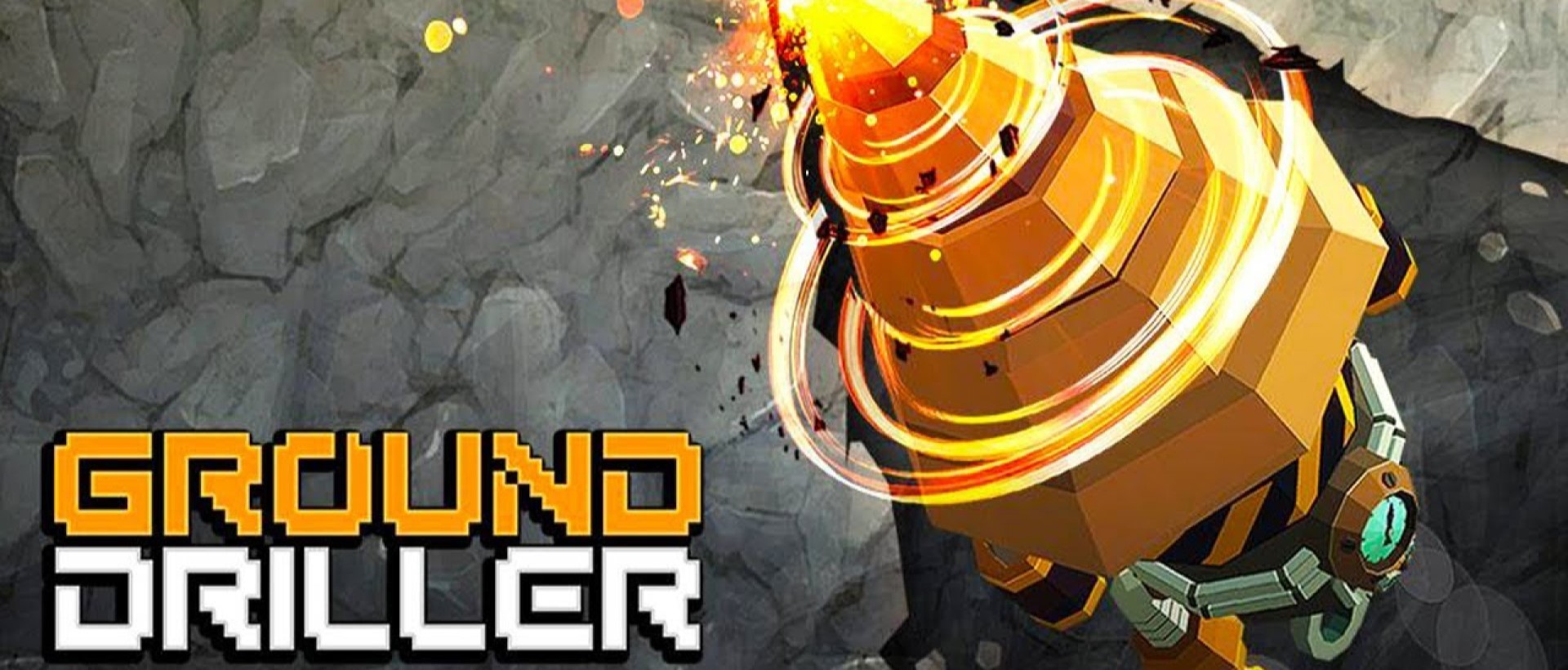
Download and play Ground Driller on PC with NoxPlayer! Ground Driller is a popular drilling simulation game developed by mobirix that also developed by BUBBLE BOBBLE Classic, Fishing Hook, and Parking King. NoxPlayer is the best emulator to play Ground Driller on PC. You can download Ground Driller apk in here and find Ground Driller gameplay and guide on our blog.
No control required. Digging and mining are done automatically! Uranium, nickel, copper, coal, iron ore, and other minerals can be collected. You must upgrade your excavator to get deep into the earth. Capable miners can mine more minerals than others.



1Download NoxPlayer on your PC.

2Run the installation package and complete the installation.

3Search for Ground Driller on NoxPlayer.

4Install the game in Google Play.

5Click the game icon to start it.

6Play Ground Driller with NoxPlayer on PC easier!
Method 1. Click "Download on PC" to download NoxPlayer and apk file at the same time. Once installation completes, play the game on PC.
Method 2. If you already have NoxPlayer on PC, click "Download APK", then drag and drop the file to the emulator to install.
Please download with PC browser
NoxPlayer is designed for Windows and MAC OS, please visit this website via computer browser to download NoxPlayer.