Please download with PC browser
NoxPlayer is designed for Windows and MAC OS, please visit this website via computer browser to download NoxPlayer.

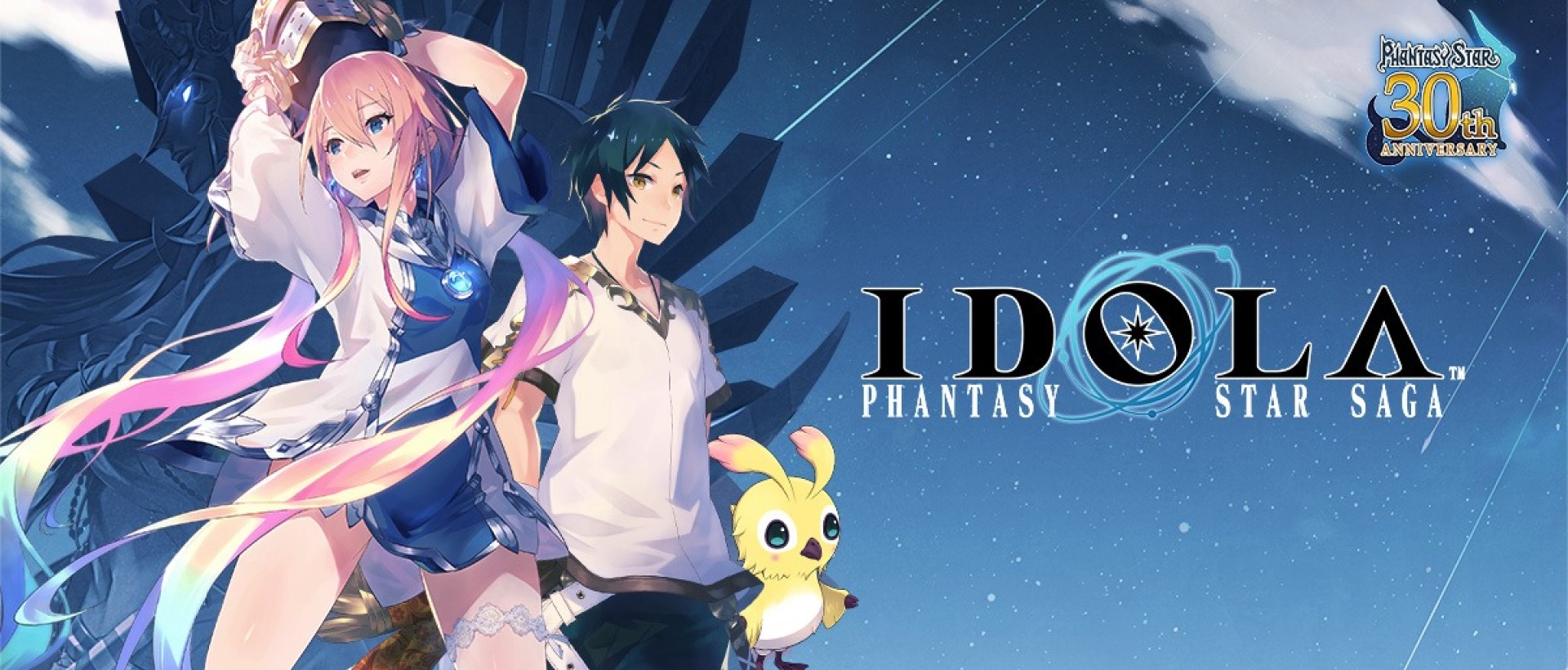
Download and play Idola Phantasy Star Saga on PC with NoxPlayer! Idola Phantasy Star Saga is an animation Role Playing game(RPG) developed by Boltrend Games. NoxPlayer is the best emulator to play Idola Phantasy Star Saga on PC. You can download Idola Phantasy Star Saga apk in here and find Idola Phantasy Star Saga guide and gameplay on our blog.
Experience thrilling turn-based battles with two-party modes, world-class artwork, an unforgettable musical score, and an epic fantasy through a fully-voiced story campaign. Save the land of Vandor from the threat of Dark Falz.



1Download NoxPlayer on your PC.

2Run the installation package and complete the installation.

3Search for Idola Phantasy Star Saga on NoxPlayer.

4Install the game in Google Play.

5Click the game icon to start it.

6Play Idola Phantasy Star Saga with NoxPlayer on PC easier!
Method 1. Click "Download on PC" to download NoxPlayer and apk file at the same time. Once installation completes, play the game on PC.
Method 2. If you already have NoxPlayer on PC, click "Download APK", then drag and drop the file to the emulator to install.
Please download with PC browser
NoxPlayer is designed for Windows and MAC OS, please visit this website via computer browser to download NoxPlayer.