Please download with PC browser
NoxPlayer is designed for Windows and MAC OS, please visit this website via computer browser to download NoxPlayer.

Dynasty Origins: Conquest is the newest 「Dynasty Origins」 work by Yoozoo Games. With a customizable 4x4 layout, new outstanding generals and alliances, command and conquer your way to the throne!
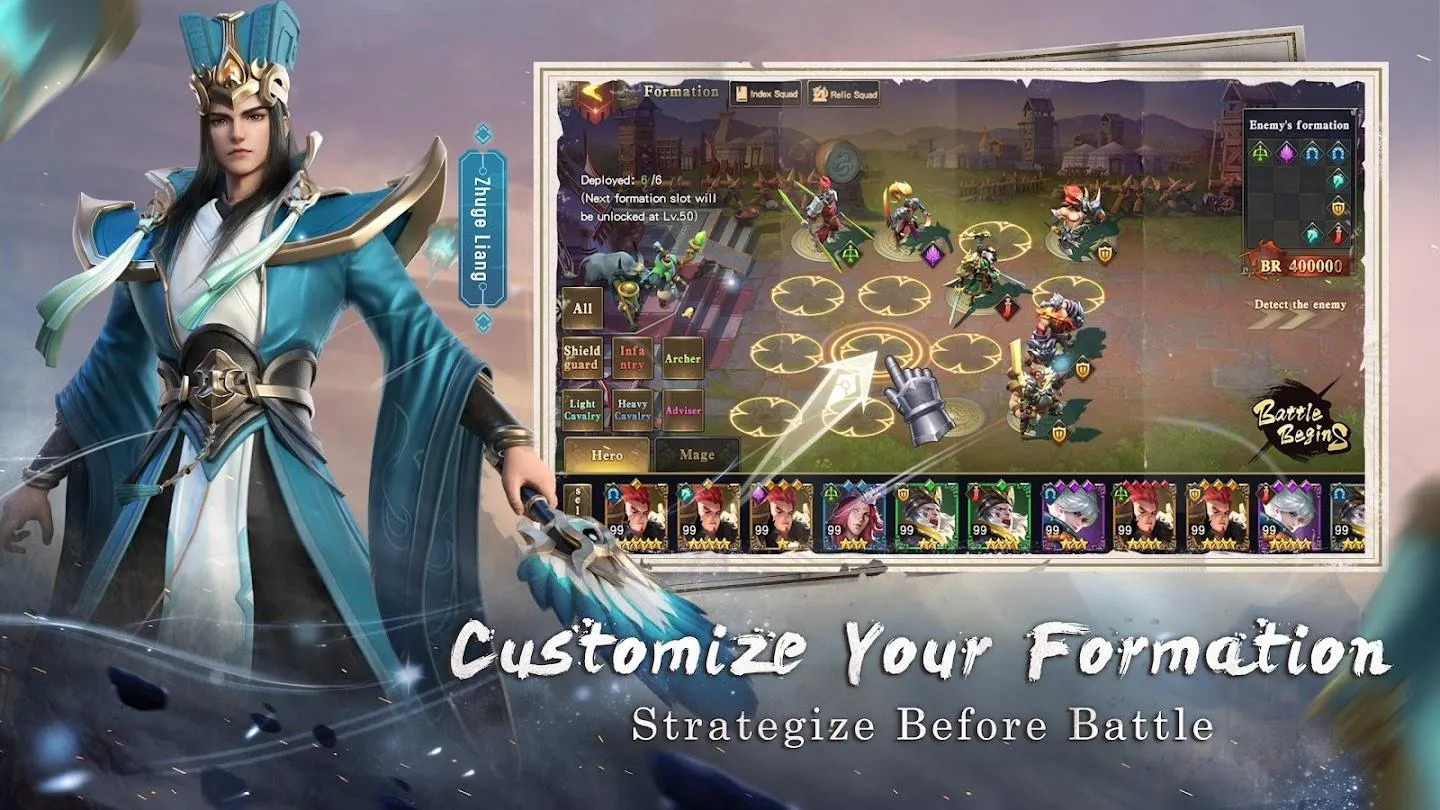
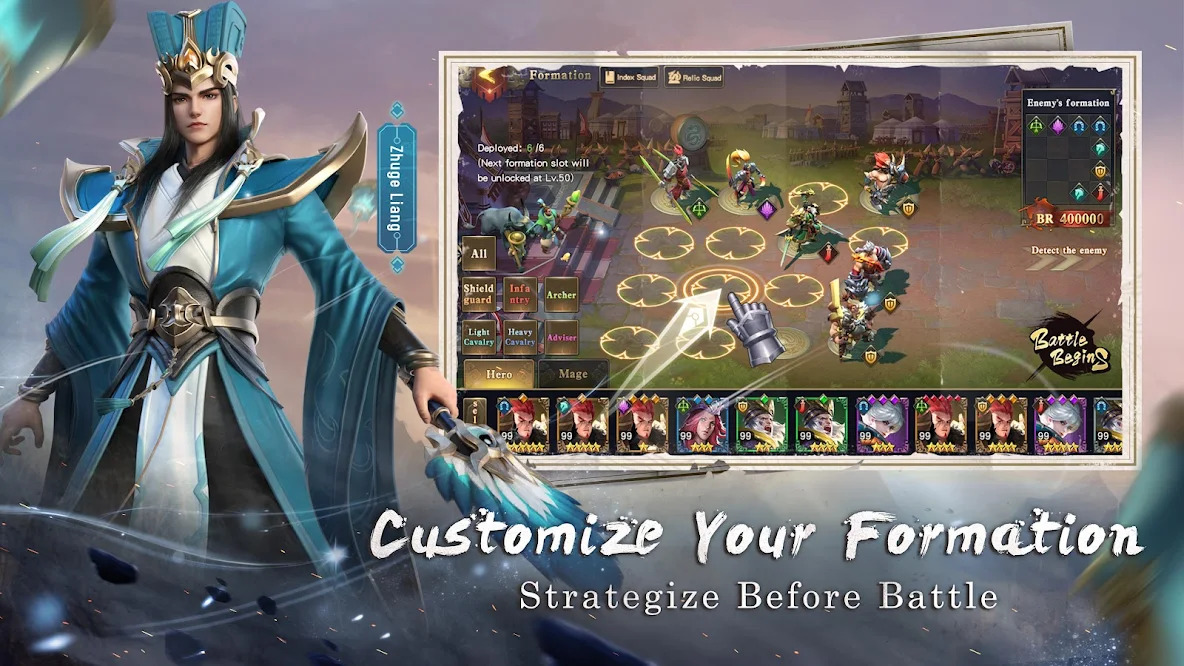
【Customize Your Formation】
Customize your formation, and strategize before battles! A new 4x4 layout that subverts traditional card strategies is here. In this game, the Three Kingdoms generals are split into six types: Guardians, Heavy Cavalry, Light Cavalry, Archers, Infantry and Support. Players can mix and match their formations according to the enemy’s layout to land a surprise blow on the opponents!
【GvG Cross-Server City Conquest】
World warfare! GvG cross-server city conquest! Four big factions gather for an exhilarating battle. With intense cross-server gameplay and alliances competing for the top, becoming #1 isn’t just a pipe dream!
【Mix & Match Skills】
With an endless variety of skills that you can mix and match, create your own unique combat style! Switch up your skills at any time in battles to swiftly defeat enemies!
【PvP Battles to Decide the Season Champion】
A brand new season-based gameplay, new monthly rewards and challenges are online now! Will you be eliminated, or will you be the one to reach the throne?
【Strengthen heroes, forge your formation】
Uncover the hidden secrets behind making your heroes stronger! Six different types of generals are waiting for your steady guidance. Pick out your favorite heroes, and create a lineup you love!
【Fantastic Daily Rewards】
Sign in daily to receive amazing rewards! You can also check the community often for high-value gift codes. Seize every opportunity to get free gifts, and you’ll be one step closer to conquering the throne!



1Download NoxPlayer on your PC.

2Run the installation package and complete the installation.

3Search for Dynasty Origins: Conquest on NoxPlayer.

4Install the game in Google Play.

5Click the game icon to start it.

6Play Dynasty Origins: Conquest with NoxPlayer on PC easier!
Method 1. Click "Download on PC" to download NoxPlayer and apk file at the same time. Once installation completes, play the game on PC.
Method 2. If you already have NoxPlayer on PC, click "Download APK", then drag and drop the file to the emulator to install.
Please download with PC browser
NoxPlayer is designed for Windows and MAC OS, please visit this website via computer browser to download NoxPlayer.