Please download with PC browser
NoxPlayer is designed for Windows and MAC OS, please visit this website via computer browser to download NoxPlayer.
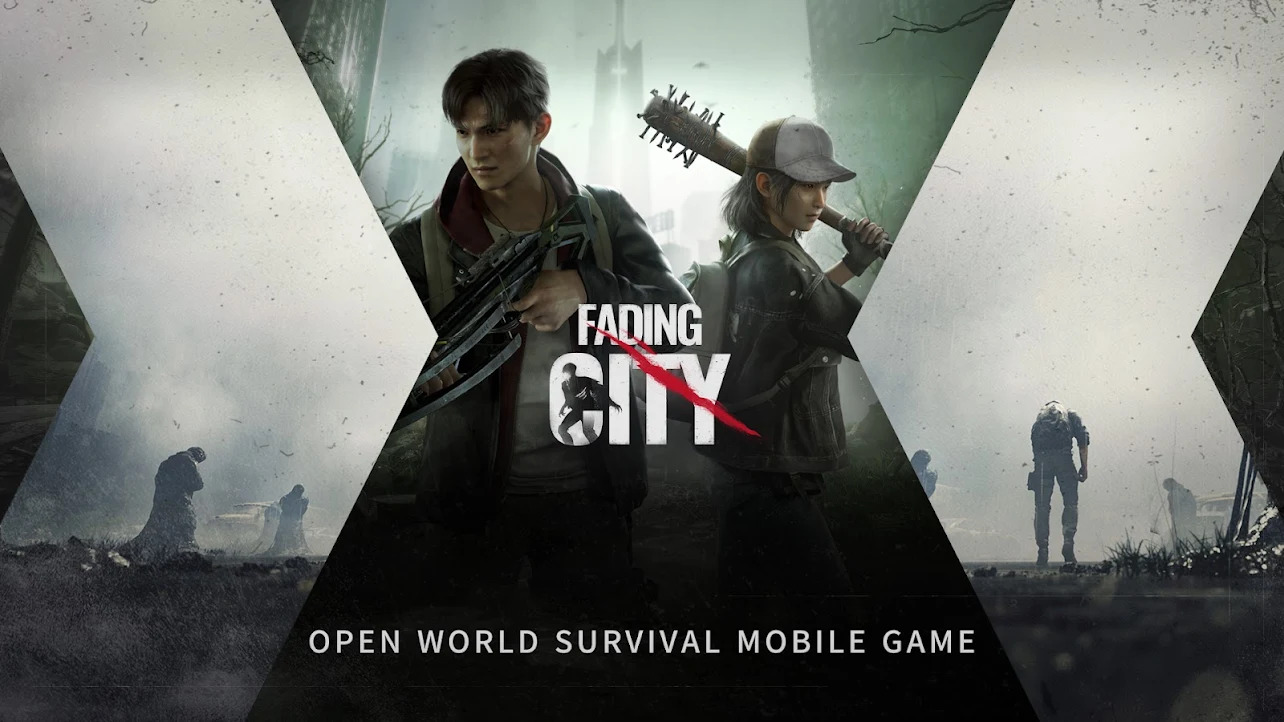
Fading City is an open-world survival mobile game developed by NetEase Games, Seven Studio with Unreal Engine 4 (UE4). The game has a wasteland theme and supports 2-4 players online. The story is set at the ruins of a city called Weidu. Under the blue fog, people struggled to survive but still could not avoid the ubiquitous blue particles. You can freely explore the open and huge city ruins, collect supplies, craft weapons, solve puzzles, and fight with others against powerful zombies. You can also freely build underground shelters against zombies’ invasion.
ZOMBIES INVASION, GATHER TOGETHER
A sudden mist shrouded the city named Weidu. Zombies invasion, the city fell, and the survivors dived into the underground to survive. Assemble a team to fight against the zombies and find out the truth behind.
FREE BATTLE EXPERIENCE, VARIOUS BATTLE STYLES
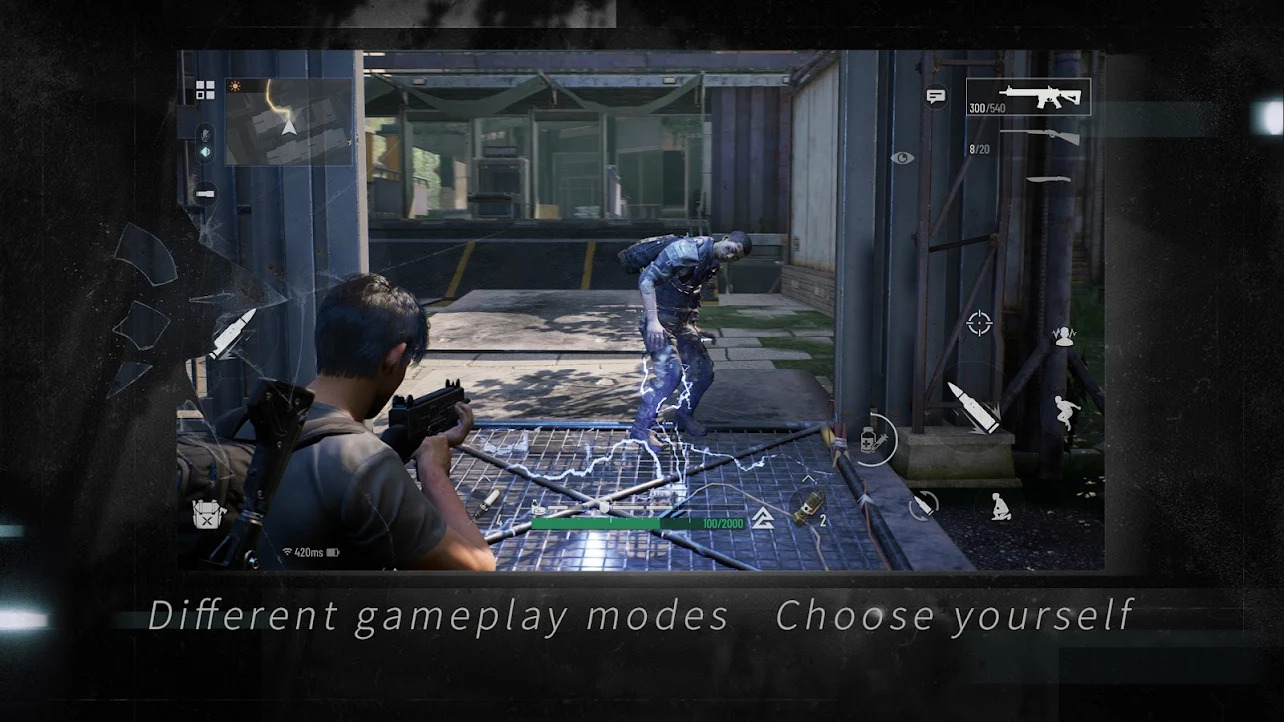
Firearms and weapons can be customized to achieve different combat effects. Besides the shooting experience, you can also try to use various methods such as stealth assassination, making traps, and collaboration to fight with zombies.
DIFFERENT GAMEPLAY MODES, CHOOSE YOURSELF
Your team can challenge with even 50 zombies and hard to survive. You can also set fire to fight against high-risk zombies that are nearly the same size as a building. We provide a large number of dungeons with different gameplay elements and difficulty options for you to challenge.
EXPLORE THE RUINS, REBUILD YOUR HOME
Your team can explore the vast city ruins of 1 million square meters, with the puzzles hidden and unknown treasures scattered in every corner of the city.
Work hard to collect more resources! You can make yourself safer!

1Download NoxPlayer on your PC.

2Run the installation package and complete the installation.

3Search for Fading City on NoxPlayer.

4Install the game in Google Play.

5Click the game icon to start it.

6Play Fading City with NoxPlayer on PC easier!
Method 1. Click "Download on PC" to download NoxPlayer and apk file at the same time. Once installation completes, play the game on PC.
Method 2. If you already have NoxPlayer on PC, click "Download APK", then drag and drop the file to the emulator to install.
Please download with PC browser
NoxPlayer is designed for Windows and MAC OS, please visit this website via computer browser to download NoxPlayer.