Please download with PC browser
NoxPlayer is designed for Windows and MAC OS, please visit this website via computer browser to download NoxPlayer.

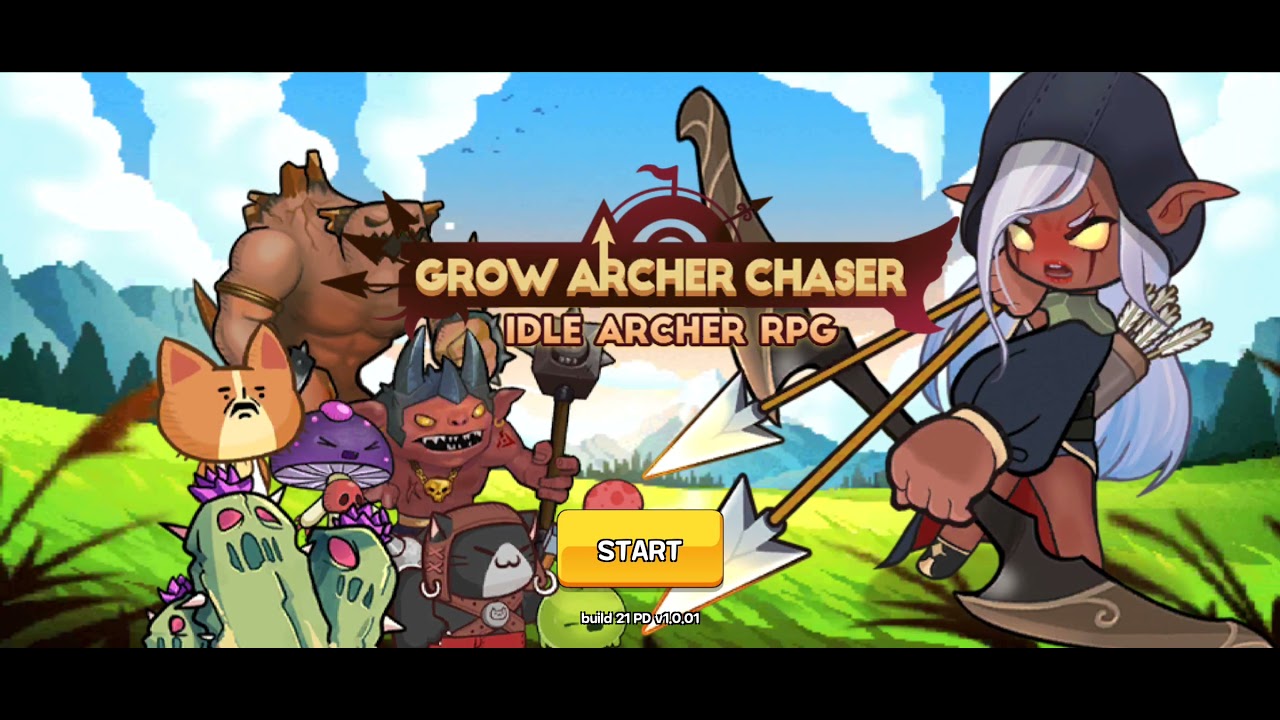
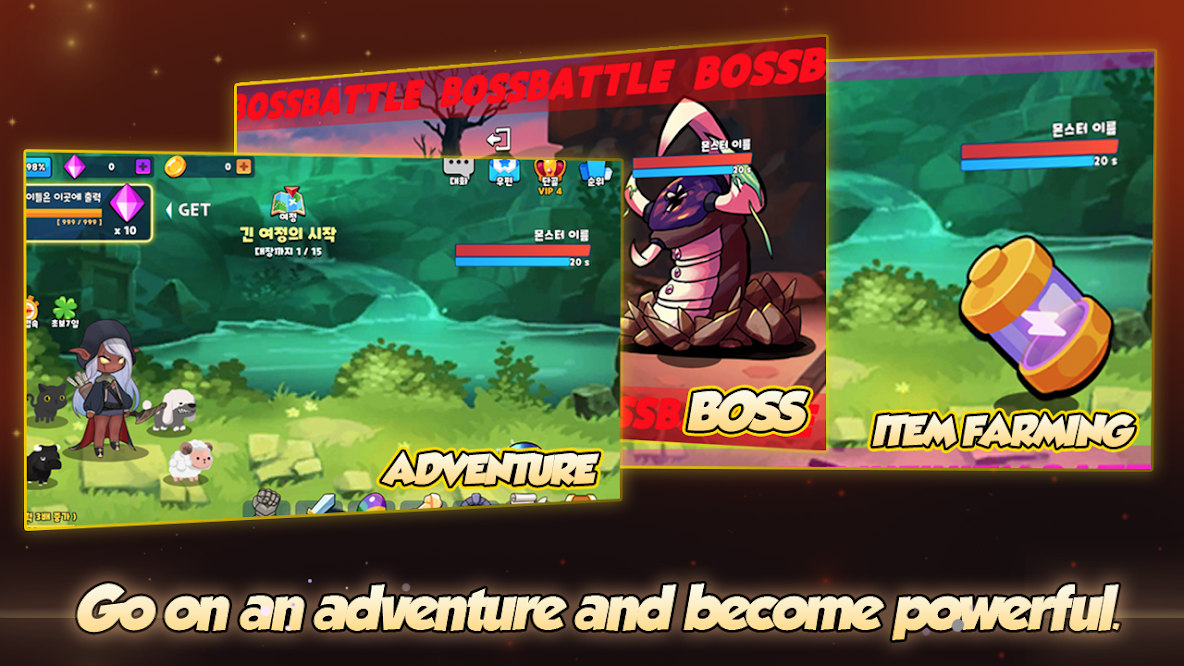
Every element of the game leads to growth! Unlimited power awaits!
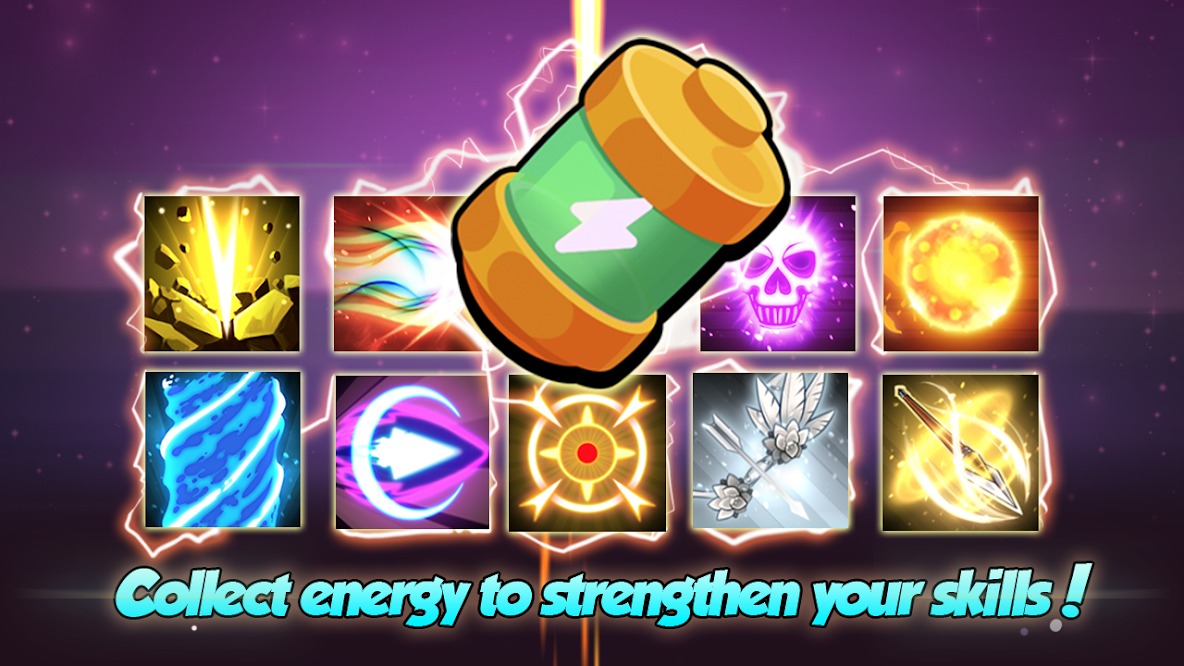
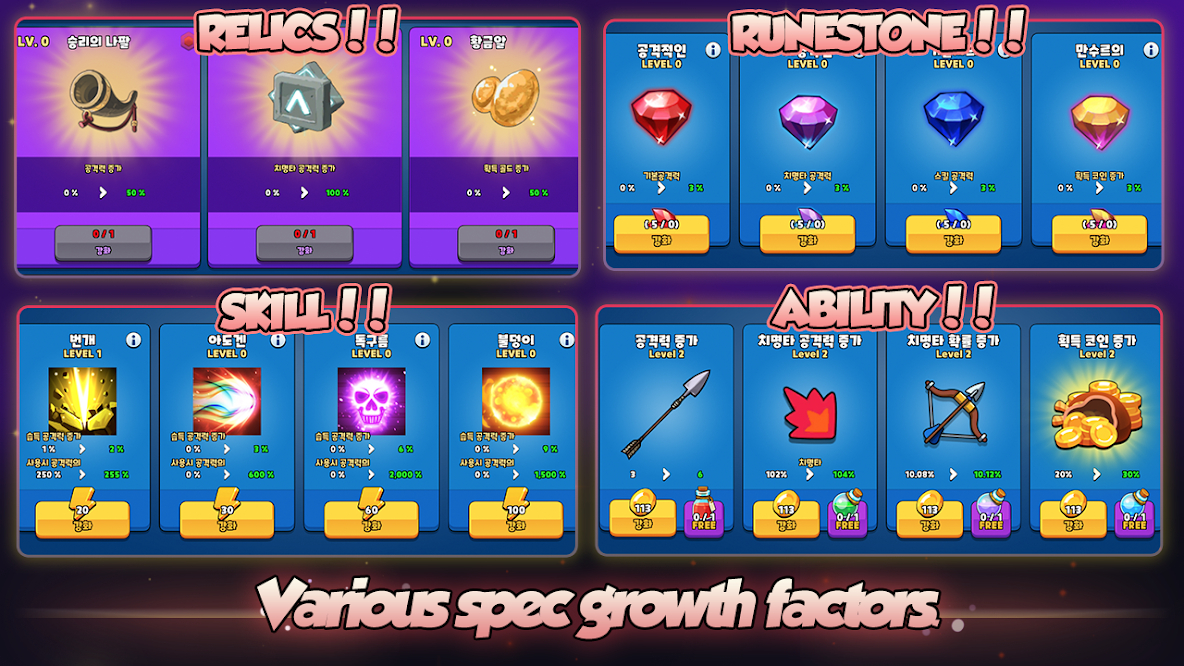
Buy, upgrade and level up your items. Advance your favorite skill and make your own skill tree. Get literally unlimited rewards for your achievements!
Grow Archer Chaser that anyone can easily enjoy! Start now!
Chaser and defeat the monsters who are trying to invade Isteria!!
This game is acceptable for purchasing the items partially. When purchasing the items, the additional costs could be occurred and limited Consumer Right of Defense according to the item types.

1Download NoxPlayer on your PC.

2Run the installation package and complete the installation.

3Search for Grow Archer Chaser - Idle RPG on NoxPlayer.

4Install the game in Google Play.

5Click the game icon to start it.

6Play Grow Archer Chaser - Idle RPG with NoxPlayer on PC easier!
Method 1. Click "Download on PC" to download NoxPlayer and apk file at the same time. Once installation completes, play the game on PC.
Method 2. If you already have NoxPlayer on PC, click "Download APK", then drag and drop the file to the emulator to install.
Please download with PC browser
NoxPlayer is designed for Windows and MAC OS, please visit this website via computer browser to download NoxPlayer.