






Please download with PC browser
NoxPlayer is designed for Windows and MAC OS, please visit this website via computer browser to download NoxPlayer.
# Forget about grueling effort in battle!
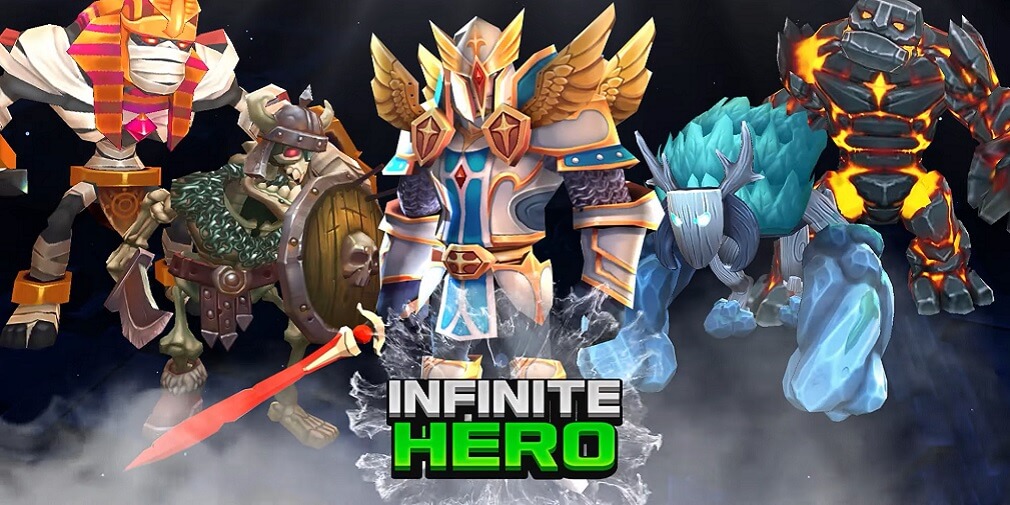
# Relish the satisfaction of Hack & Slash through auto field battles!
# Customize your character with a variety of equipment!
# Quick and easy development for even more engaging fun!
▶ Very easy growth where you get EXP, Gold, and items, even if you’re not logged in
This idle game won't force you to log in!
You can get Gold, EXP, and items, even when you're not logged in.
▶ No more worrying about the small stuff!
Don't worry about leveling up! Just select the stage you want and enjoy the battle!
Just defeat monsters and bosses and grow with the items and Gold you acquire!
▶ Minion & Mercenary System
Win your battles with various helpers!
▶ Communication system where you can converse with many other players
Chat with other players anytime!
The perfect opportunity to make real friends from the game!
▶ Some extra fun for users!
Regular item giveaway through methods such as one-code event or push event
Twice the fun with overwhelming rewards!
■ Withdrawing Access Authority
Android 6.0 or above: Settings > App > Tap Permissions > Permissions list > Give or withdraw permissions
Under Android 6.0: Upgrade the OS to withdraw permissions or delete the app
※ The app may not provide separate approval functions, and you can withdraw the permission through the above steps.

1Download NoxPlayer on your PC.

2Run the installation package and complete the installation.

3Search for INFINITE HERO : 3D Idle RPG on NoxPlayer.

4Install the game in Google Play.

5Click the game icon to start it.

6Play INFINITE HERO : 3D Idle RPG with NoxPlayer on PC easier!
Method 1. Click "Download on PC" to download NoxPlayer and apk file at the same time. Once installation completes, play the game on PC.
Method 2. If you already have NoxPlayer on PC, click "Download APK", then drag and drop the file to the emulator to install.
Please download with PC browser
NoxPlayer is designed for Windows and MAC OS, please visit this website via computer browser to download NoxPlayer.

