Please download with PC browser
NoxPlayer is designed for Windows and MAC OS, please visit this website via computer browser to download NoxPlayer.
Are you a player or a conquerer? Explore NCSOFT's chart-topping mobile MMORPG from South Korea on a worldwide stage. Test your might and mettle in a wartorn world that spans across two epic continents. NCSOFT's popular Lineage2 franchise comes to mobile on a global scale where thousands of players can battle for supremacy in an immersive open world. Experience a new era for MMORPGs in Lineage2M.
▣ THE NEW ERA OF THE MMORPG HAS ARRIVED ▣
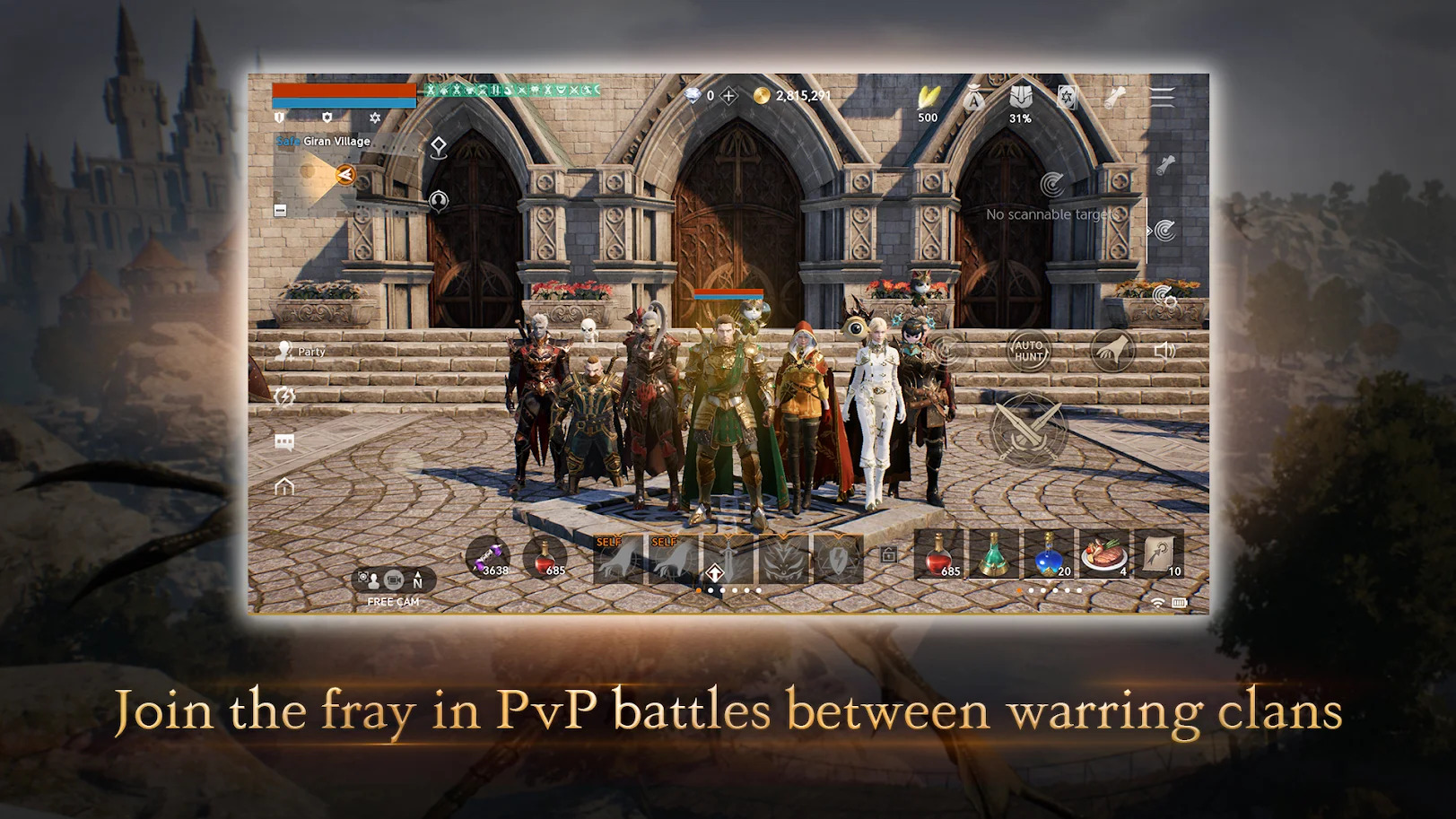
Lineage2M boasts full 3D in 4K UHD, the highest definition available on mobile devices. With thoroughly drawn armor patterns and detailed character expressions, Lineage2M achieved the highest degree of graphics quality. This is the first mobile game that allows more than ten thousand players to gather in one location and fight in one epic battle.
▣ BATTLE FOR SUPREMACY ▣
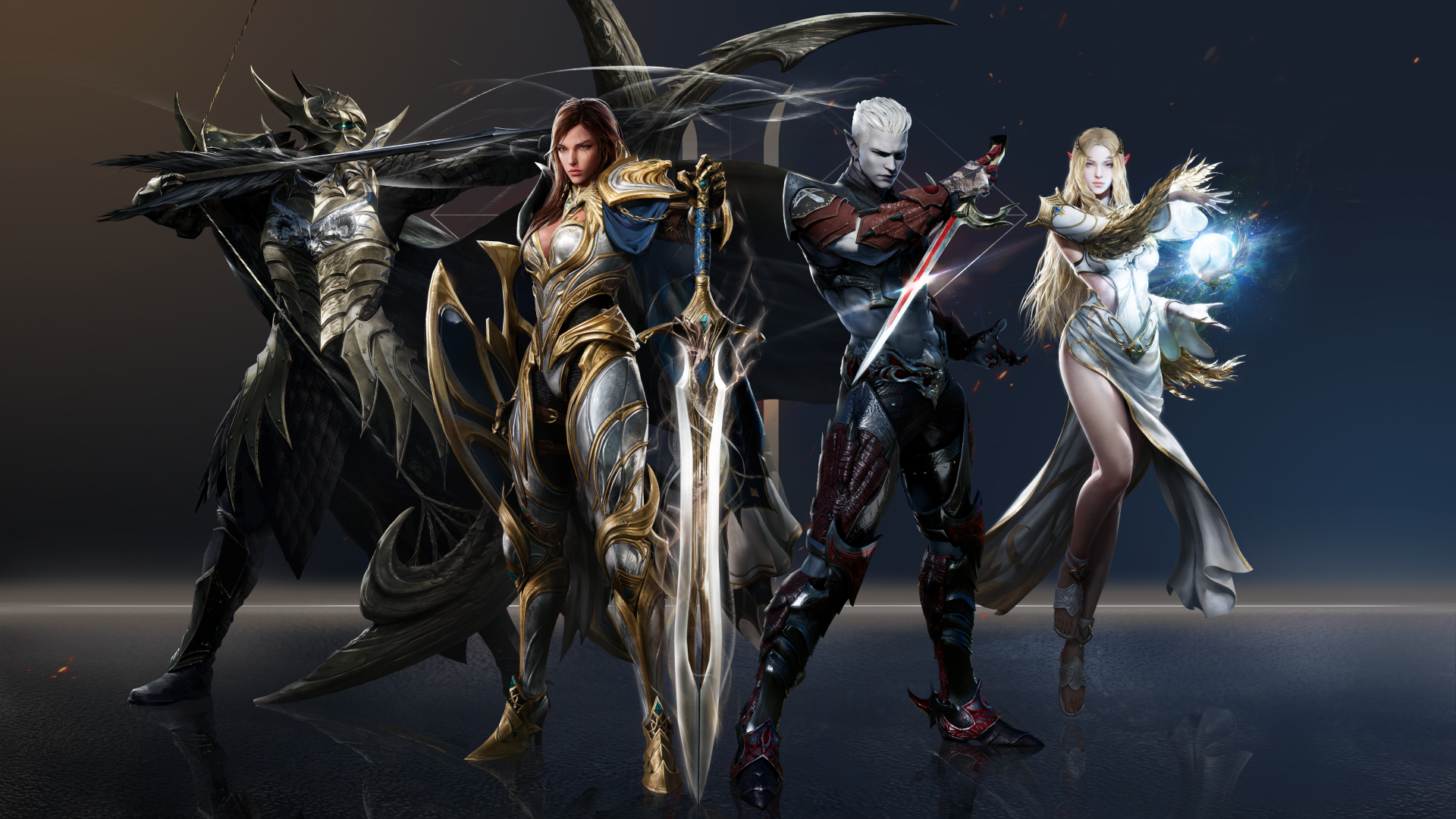
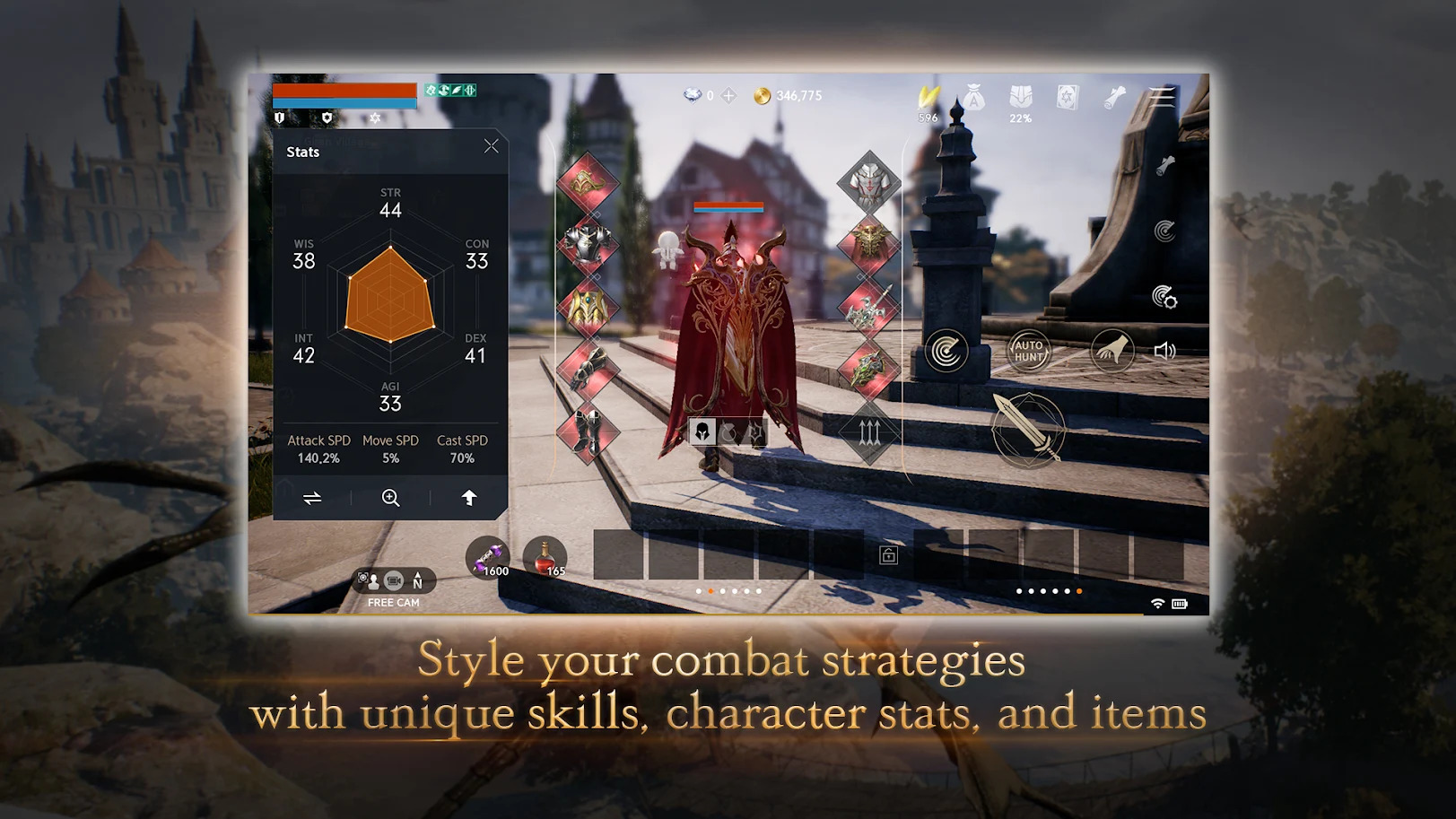
Play with a rich variety of races and over 31 classes without losing level progress! Humans, Elves, Dark Elves, Dwarves, and Orcs fight for loot and power across two continents. Lineage2M's classes include the highly adaptable sword-and-shield Knight, a dual-bladed Warrior, a Raider with pinpoint assasin accuracy, an Archer for ranged combat enthusiasts, a Cleric that wields Orbs of holy healing power, and a Wizard with a magical Staff. Upgrade and collect new weaponry and level up with regular individual and clan quests.
▣ EXPLORE A WORLD OF CONQUEST ▣
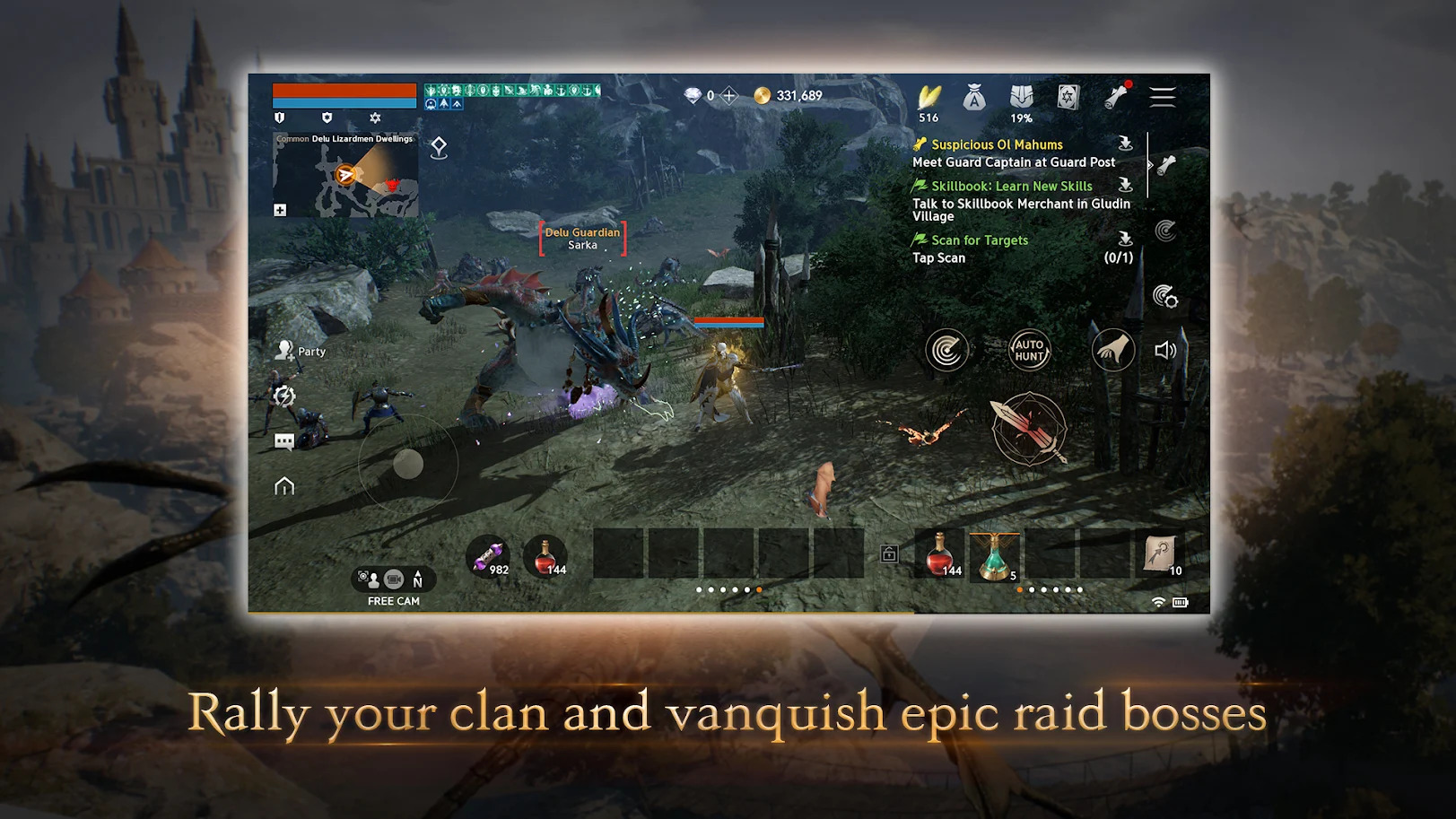
Explore a vast, stunning, and lush open-world that allows thousands of players to simultaneously meet up, go on a variety of quests, and conquer the world. The seamless two continents of Aden can be navigated on foot or with the use of teleporters and flight on majestic wyverns. Confront monstrous world bosses, defeat Etis' hordes on the ramparts of Giran Castle, and socialize with your fellow adventurers in Talking Isle Village.

1Download NoxPlayer on your PC.

2Run the installation package and complete the installation.

3Search for Lineage2M on NoxPlayer.

4Install the game in Google Play.

5Click the game icon to start it.

6Play Lineage2M with NoxPlayer on PC easier!
Method 1. Click "Download on PC" to download NoxPlayer and apk file at the same time. Once installation completes, play the game on PC.
Method 2. If you already have NoxPlayer on PC, click "Download APK", then drag and drop the file to the emulator to install.
Please download with PC browser
NoxPlayer is designed for Windows and MAC OS, please visit this website via computer browser to download NoxPlayer.