Please download with PC browser
NoxPlayer is designed for Windows and MAC OS, please visit this website via computer browser to download NoxPlayer.

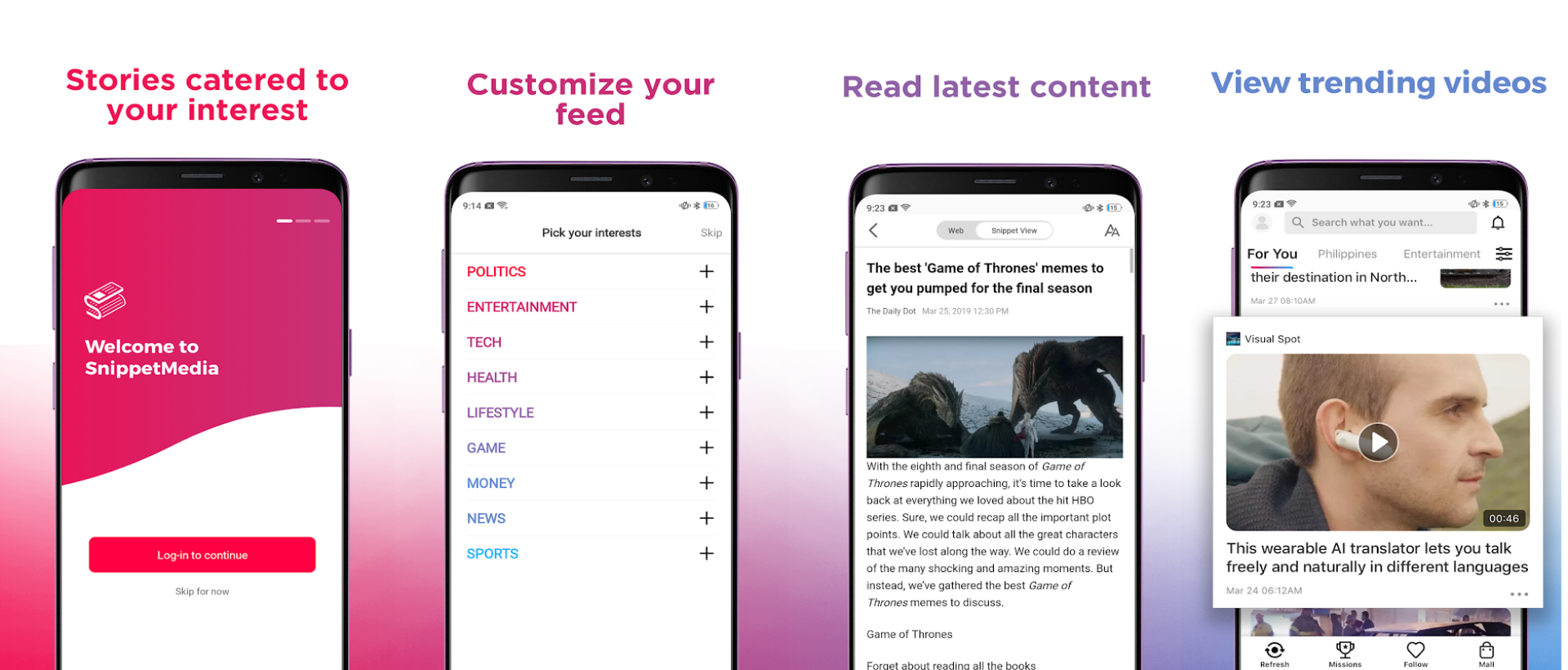
SnippetMedia, an online media app that integrates all types of the latest news including entertainment, health, gaming, and so on, is popular in Philippine, Download SnippetMedia on PC, you will read the news and view the trending video in a bigger screen.



1Download NoxPlayer on your PC.

2Run the installation package and complete the installation.

3Search for SnippetMedia on NoxPlayer.

4Install the game in Google Play.

5Click the game icon to start it.

6Play SnippetMedia with NoxPlayer on PC easier!
Method 1. Click "Download on PC" to download NoxPlayer and apk file at the same time. Once installation completes, play the game on PC.
Method 2. If you already have NoxPlayer on PC, click "Download APK", then drag and drop the file to the emulator to install.
Please download with PC browser
NoxPlayer is designed for Windows and MAC OS, please visit this website via computer browser to download NoxPlayer.