






Please download with PC browser
NoxPlayer is designed for Windows and MAC OS, please visit this website via computer browser to download NoxPlayer.

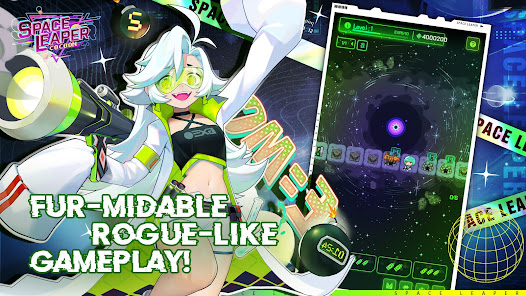
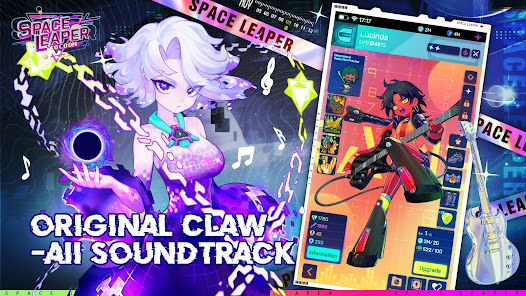
★Fur-midable Rogue-like Gameplay!
Go on randomly generated adventures and discover the secrets hidden in the depths of the universe. But remember, you have to share them with me-ow! ❤️Complete the corresponding talent tree each season to claw your way up the rankings and unlock more ways to explore, then maybe you'll be on my level. Just maybe.
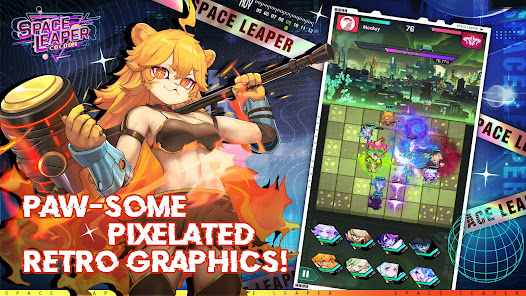
★Paw-Some Pixelated Retro Graphics!
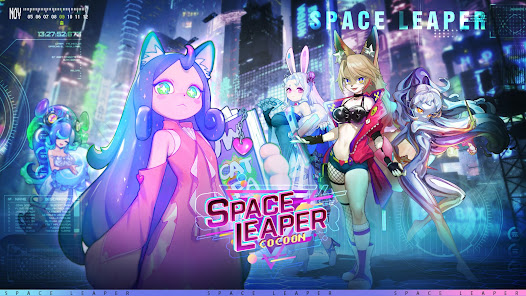
Enter a pixel purr-fect 2D-world and meet the cutest characters, like me! Experience the beauty of reduction as our 3D-World transform through a Leap in Space, don't be scared, I've done this journey many times nya-ow!
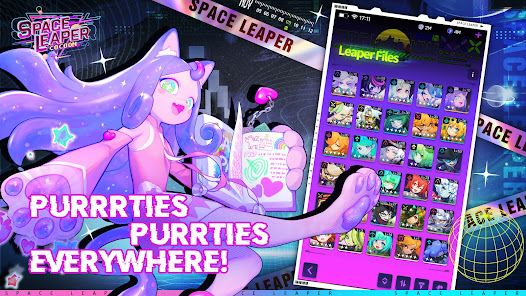
★Pretties, Cutties Everywhere!
Beauties from all claw-ners of the galaxy! I'm not kitten around, paw-sitively the cutest. What are you waiting fur? But remember, when get here you have to take meow-t first!
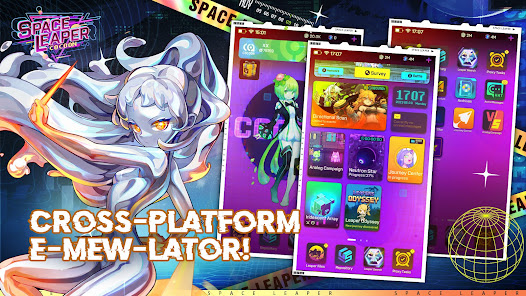
★Cross-Platform E-mew-lator!
Paw-thentic mobile experience for the experienced leaper, when you always need to have your pretties within reach, I know how you feel! The mobile experience available on every screen, experience the furr-miliar gameplay regardless of what device you have!


1Download NoxPlayer on your PC.

2Run the installation package and complete the installation.

3Search for Space Leaper: Cocoon on NoxPlayer.

4Install the game in Google Play.

5Click the game icon to start it.

6Play Space Leaper: Cocoon with NoxPlayer on PC easier!
Method 1. Click "Download on PC" to download NoxPlayer and apk file at the same time. Once installation completes, play the game on PC.
Method 2. If you already have NoxPlayer on PC, click "Download APK", then drag and drop the file to the emulator to install.
Please download with PC browser
NoxPlayer is designed for Windows and MAC OS, please visit this website via computer browser to download NoxPlayer.


